






















How to Speed Up a Slow Android Phone: 10 Fixes That Actually Work

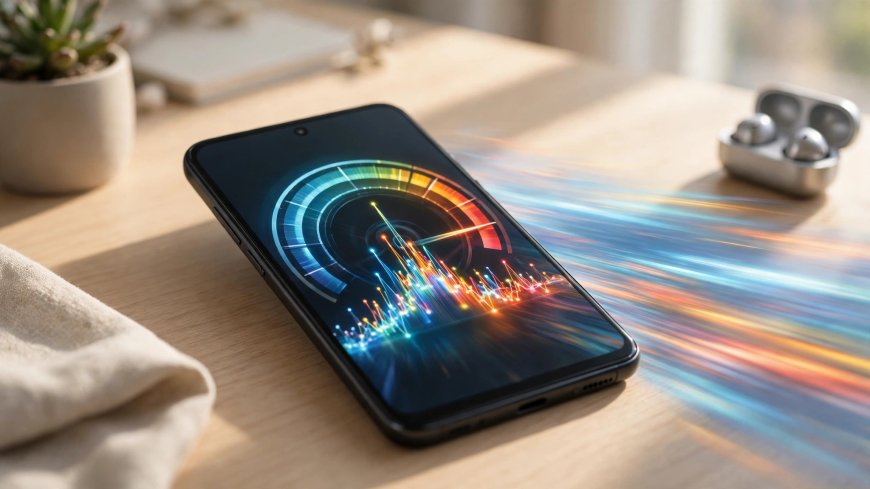
Almost every Android phone feels fast on the first day and slower a year later. Apps pile up, storage fills, and background processes compete for memory. The good news: in most cases you do not need a new phone. These ten fixes solve the common causes of a slow Android phone, starting with the easiest.
1. Restart Your Phone
It sounds too simple, but a restart clears temporary files, stops runaway background processes and frees memory. If you have not restarted in weeks, do it now — many slowdowns disappear immediately.
2. Free Up Storage Space
Android needs breathing room. When storage drops below about 10 percent free, the system struggles to cache and update apps. Delete old downloads, clear large video files, and move photos to cloud storage. Aim to keep at least 5 GB free.
3. Uninstall Apps You No Longer Use
Unused apps still run background services and receive updates. Go to Settings, then Apps, sort by size, and remove anything you have not opened in months. You can always reinstall an app later.
4. Clear Cached Data
App caches grow over time and can become corrupted. For a misbehaving app, open Settings, Apps, choose the app, then Storage and Clear Cache. Avoid "Clear Data" unless you accept signing in again.
5. Update Android and Your Apps
Updates often include performance fixes and security patches. Install the latest system update available for your device, then update all apps from the Play Store. An outdated app is a common cause of freezes.
6. Reduce Animations
Enable Developer Options by tapping the Build Number seven times, then set Window Animation Scale, Transition Animation Scale and Animator Duration Scale to 0.5x. The phone will feel noticeably snappier.
7. Limit Background Activity
Social and shopping apps love running in the background. In Settings, Battery, restrict background use for apps you do not need notifications from. This saves both speed and battery.
8. Use Lite Versions of Heavy Apps
Many popular services offer lighter apps that use less memory and data. On older phones, lite versions can make a bigger difference than any other single change.
9. Check for Malware
A sudden slowdown combined with pop-ups or battery drain can mean a bad app. Run a scan with Play Protect in the Play Store, and remove any app you do not remember installing.
10. Factory Reset as a Last Resort
If nothing helps, back up your photos, contacts and files, then perform a factory reset. It restores the phone to a clean state. Only reinstall the apps you actually use afterwards.
A slow phone is usually a full phone, not a broken one. Work through these steps in order and most devices feel close to new again — without spending anything.
What's Your Reaction?
 Like
0
 Dislike
0
 Love
0
 Funny
0
 Angry
0
 Sad
0
 Wow
0