























How to Save Battery on Your Phone: 12 Habits That Actually Work
Phone dying before the day ends? These 12 battery habits — screen, apps, signals and charging — stretch every charge further without hurting how you use your phone.

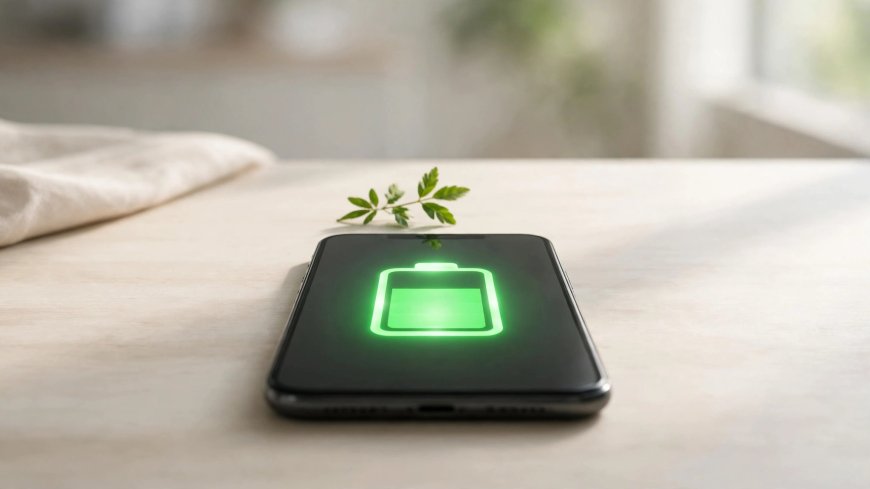
A phone that dies by mid-afternoon makes everything harder. Batteries do wear out over the years, but most fast drain comes from settings and habits you can change today. These twelve habits are the ones that genuinely move the needle.
1. Turn Down Screen Brightness
The screen is the biggest battery user on any phone. Lower brightness to the lowest comfortable level, or use adaptive brightness so the phone adjusts automatically. Cutting screen timeout to 30 seconds saves more than you would expect.
2. Use Dark Mode
On phones with OLED screens — most modern phones — dark pixels use almost no power. Dark mode in apps and the system theme can noticeably extend the day, and it is easier on the eyes at night.
3. Find the Greedy Apps
Open Settings, then Battery, to see which apps use the most power. Social media, games and video apps usually top the list. Restrict background activity for the worst offenders.
4. Turn Off What You Are Not Using
Bluetooth, location, mobile hotspot and Wi-Fi scanning quietly sip power all day. Switch them off when you do not need them — especially location, which many apps request constantly.
5. Tame Notifications
Every notification wakes the screen and often the processor. Keep notifications for messages and calls; silence shopping, news and game alerts. Your battery and your attention both benefit.
6. Avoid Extreme Temperatures
Heat is the battery's worst enemy. Never leave your phone in a hot car or in direct sun, and do not charge it under a pillow. Cold temporarily reduces capacity too, though the effect reverses when the phone warms up.
7. Charge Smart, Not Full
Batteries age fastest when kept at 100 percent or drained to zero. For the longest lifespan, keep the charge roughly between 20 and 80 percent when convenient, and use the phone's built-in battery protection or optimized charging feature.
8. Use Battery Saver on Long Days
Battery Saver mode limits background activity, sync and visual effects. Turn it on at 30 percent on days when you know a charger is far away — it can add hours.
9. Download Instead of Streaming on Wi-Fi-less Days
Streaming video and music over mobile data is one of the fastest drains. Download playlists and episodes on Wi-Fi before you leave home.
10. Weak Signal Drains Fast
In areas with poor coverage, your phone boosts power hunting for signal. If you are somewhere with no service for hours, airplane mode saves a surprising amount of battery.
11. Keep Software Updated
Updates regularly include battery optimizations and fixes for runaway processes. An outdated app stuck in a sync loop is a classic hidden drain.
12. Check Battery Health
If your phone is several years old and these habits barely help, the battery itself may be worn. Many phones show battery health in settings; a replacement battery is far cheaper than a new phone.
Start with brightness, dark mode and the battery usage list — for most people those three alone add an hour or more to every day.
What's Your Reaction?
 Like
0
 Dislike
0
 Love
0
 Funny
0
 Angry
0
 Sad
0
 Wow
0